
Download Lingu.Africa
Install the app and learn every language on your phone, anytime.
How to Get the App
On iPhone
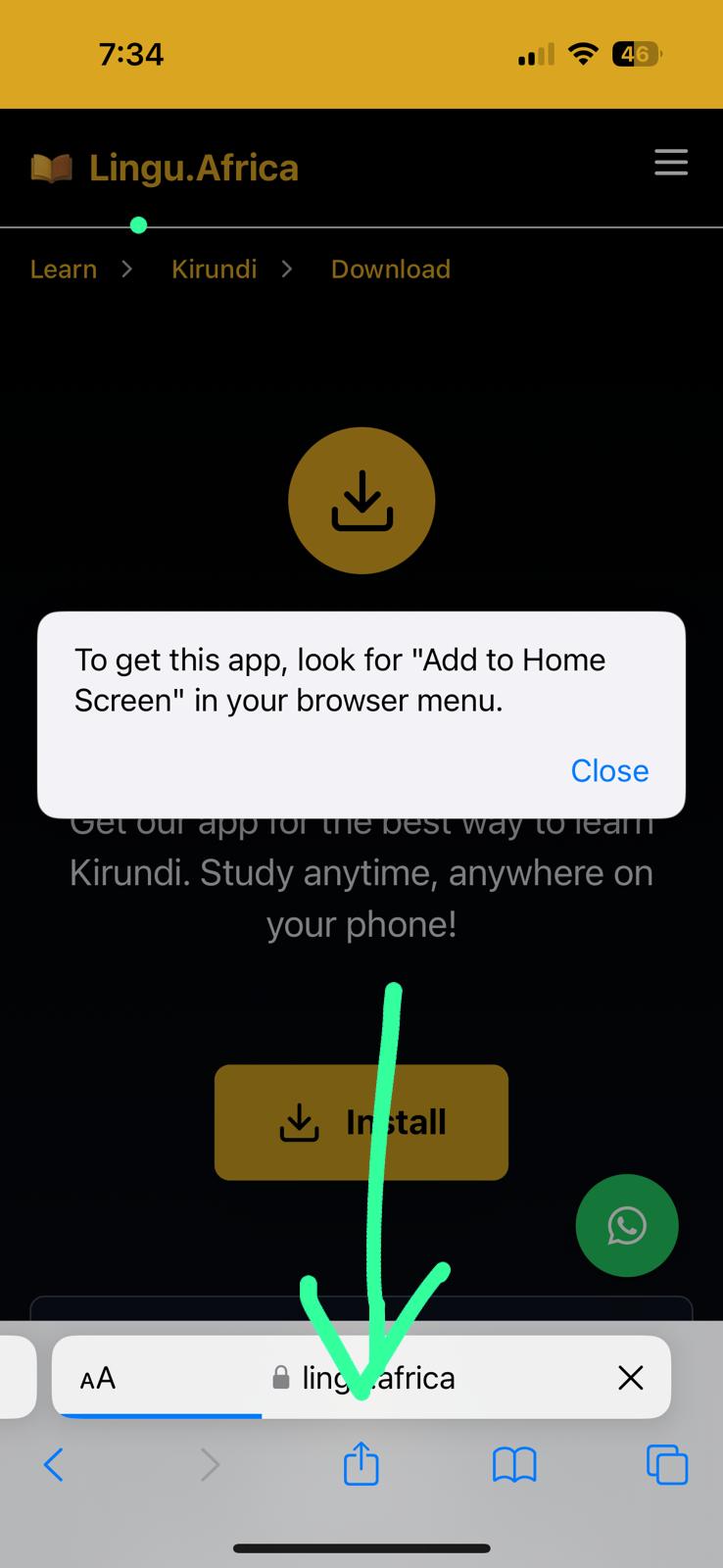
Using Safari:
- 1. Tap the Share button at the bottom
- 2. Scroll down and tap "Add to Home Screen"
- 3. Tap "Add" in the top right corner
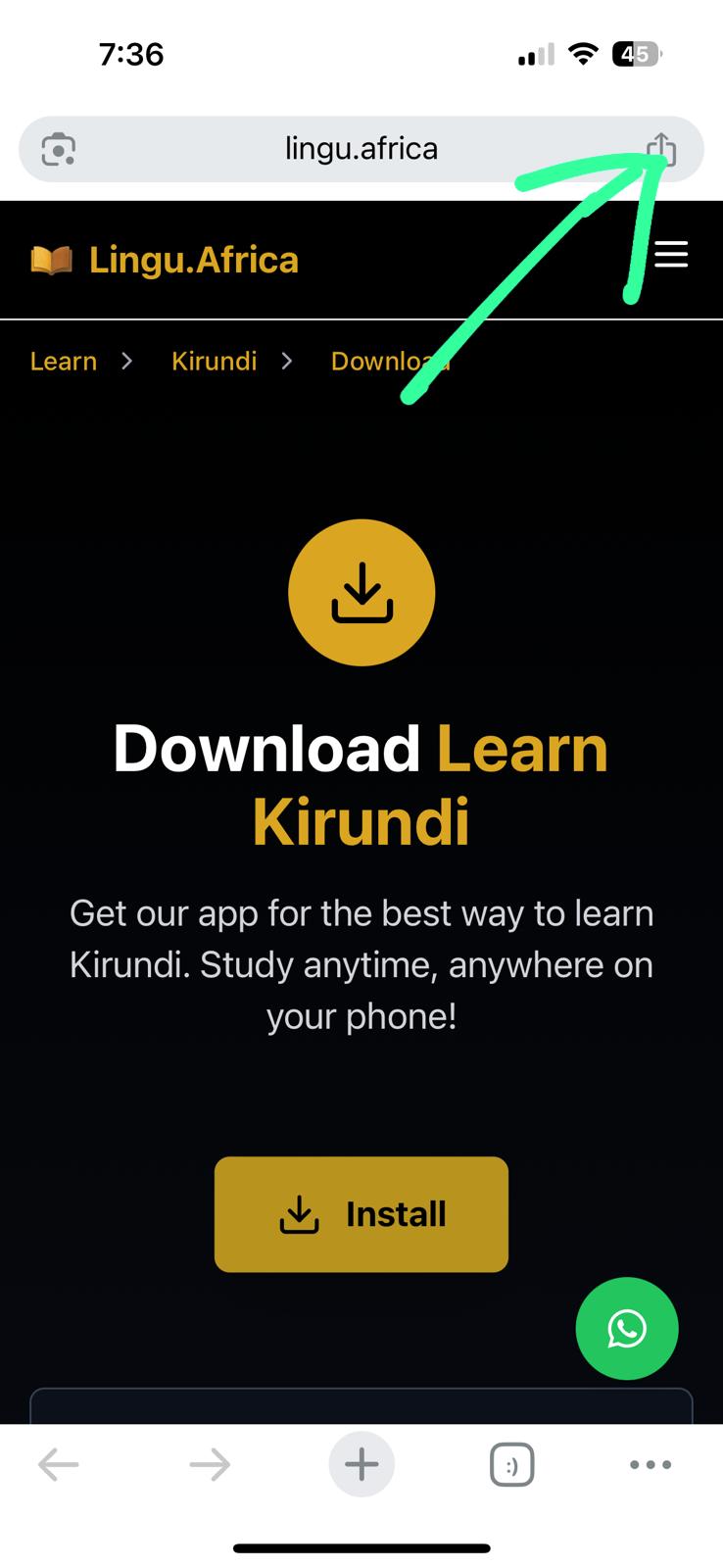
Using Chrome:
- 1. Tap the share icon in the top-right corner.
- 2. Tap "Add to Home Screen".
- 3. Tap "Add" to confirm.
On Android Phone
- 1. Tap the Install button above
- 2. Or tap your browser menu (the three dots)
- 3. Choose "Add to Home Screen"
- 4. Tap "Install" to finish